Download the appropriate precompiled binary package for your system form https://developer.hashicorp.com/packer/downloads
After downloading Packer, unzip the package. Packer runs as a single binary named packer.
Rename folder packer from packer_1.8.5_windows_amd64
Move packer folder to C: drive
Finally, make sure that the packer binary is available on your PATH. This process will differ depending on your operating system.
Please follow This Stack Overflow article contains instructions for setting the PATH on Windows through the user interface.
or
-
right click on windows logo
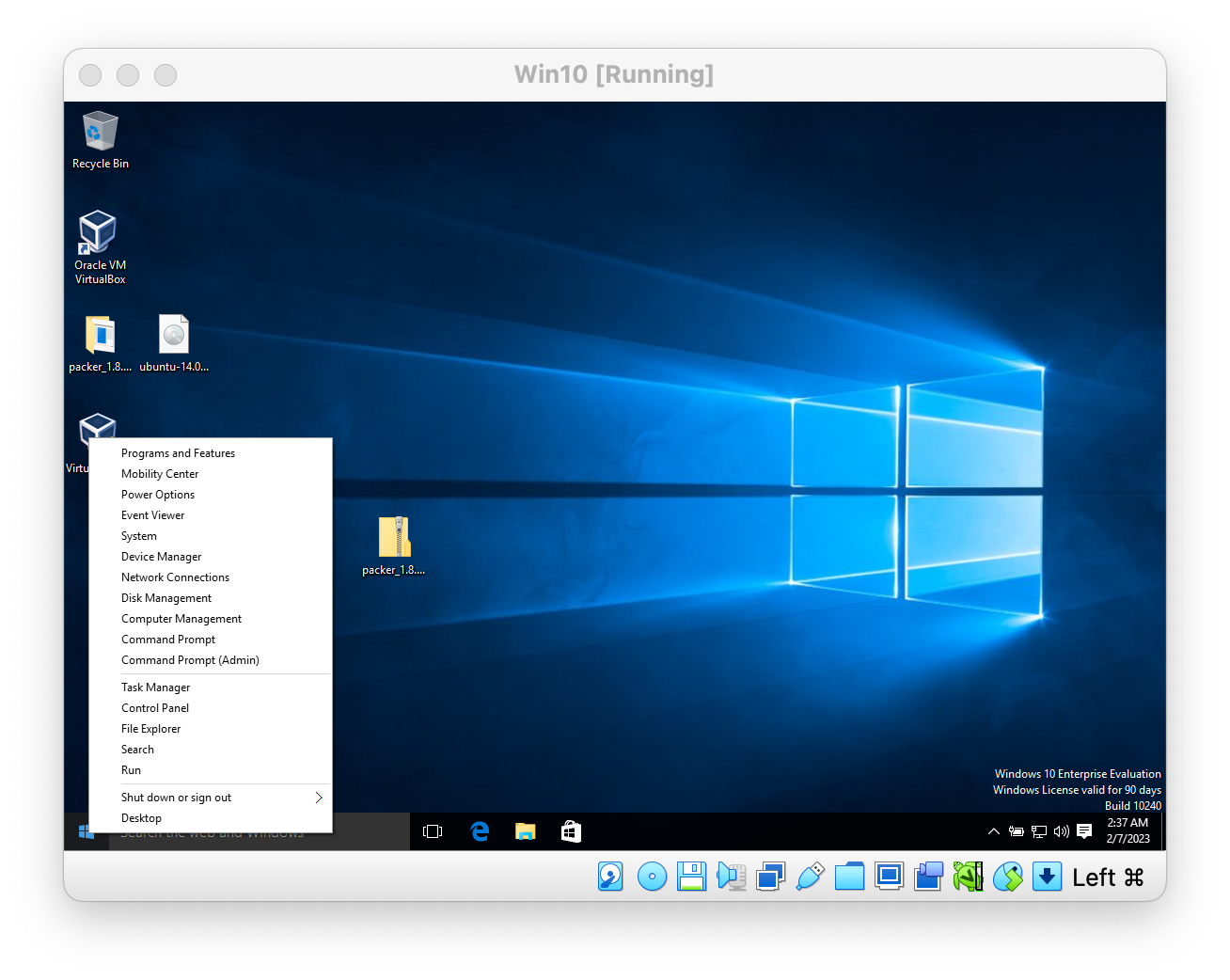
-
then click on System
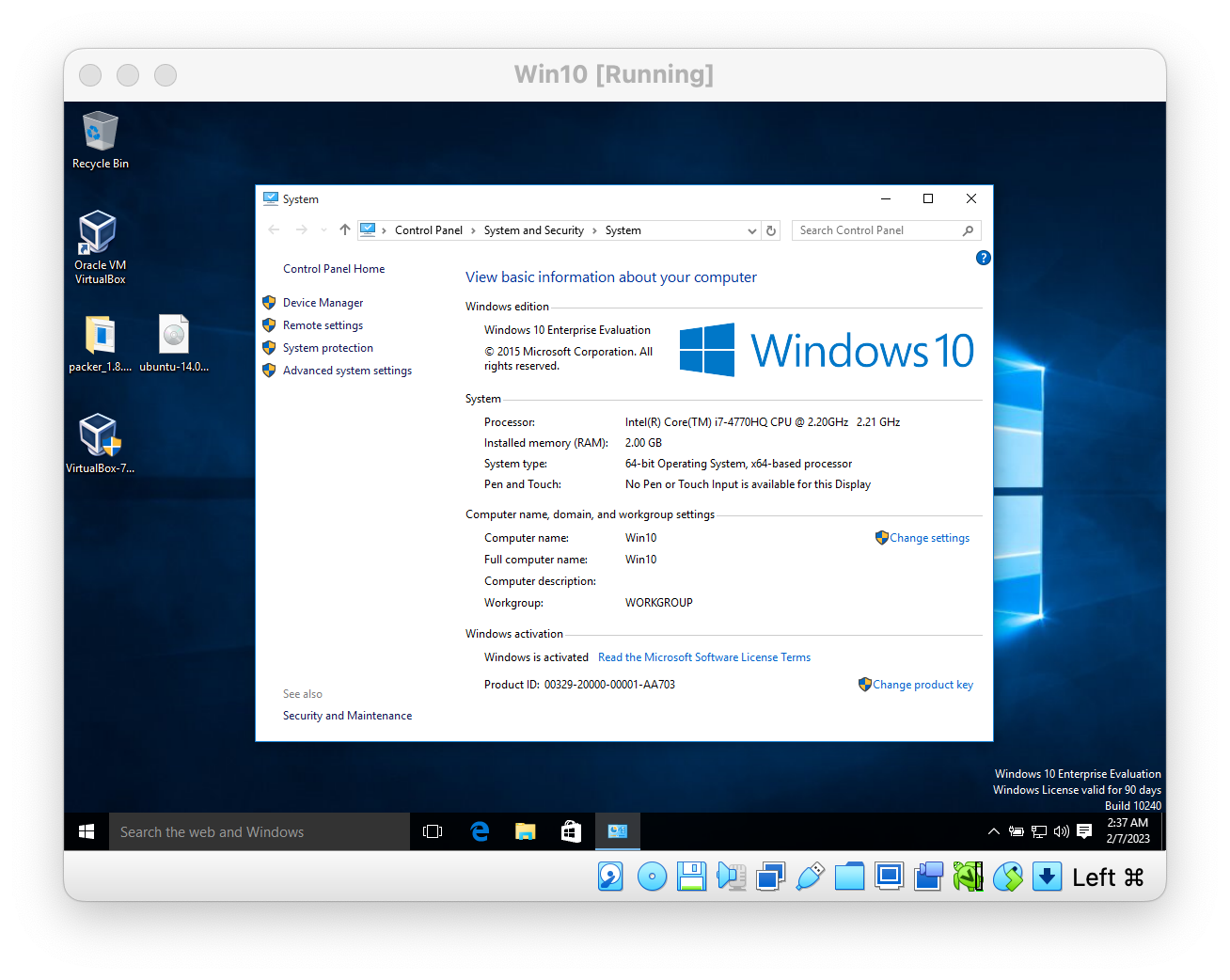
-
then click Advanced system settings
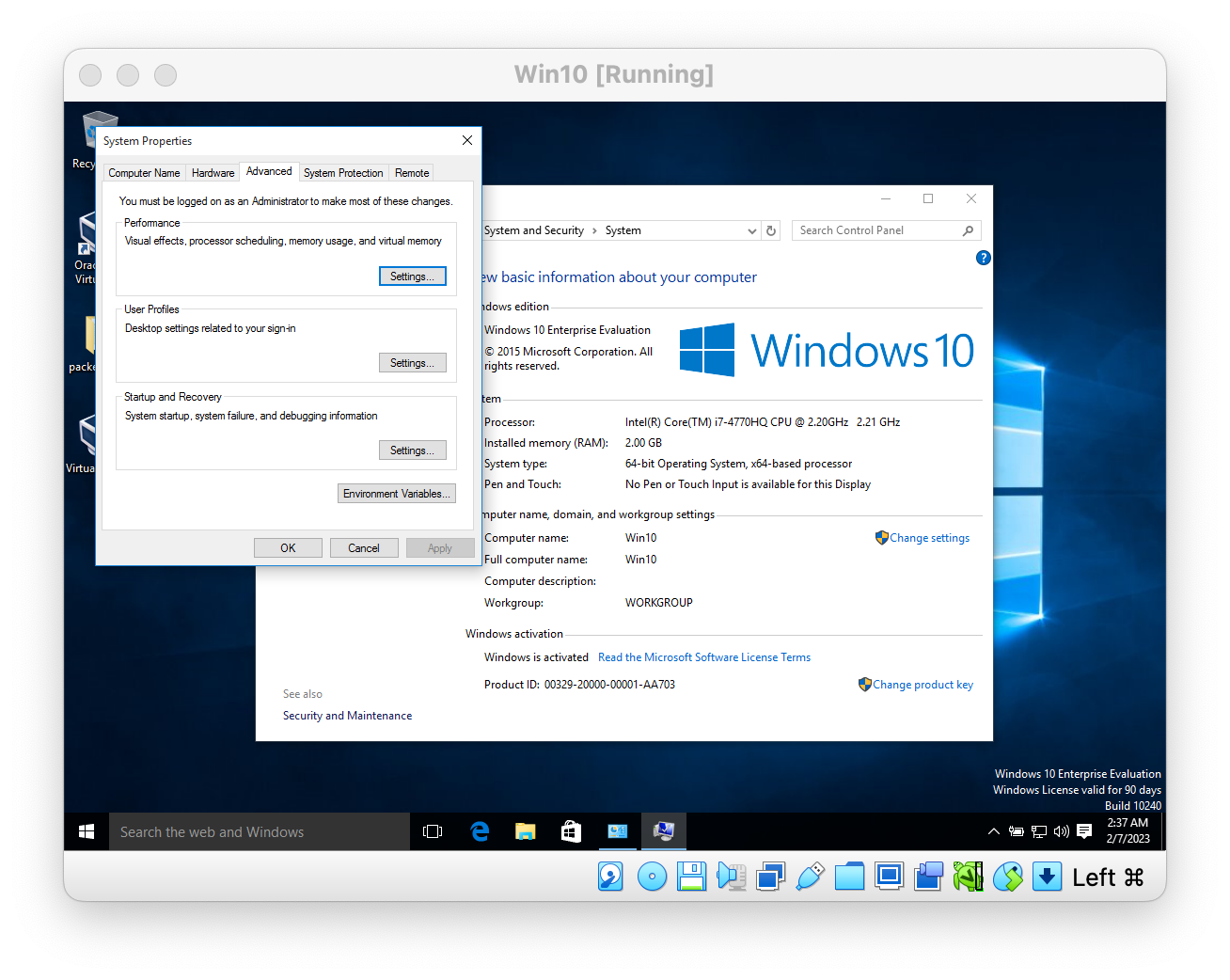
-
then click Environment Variables
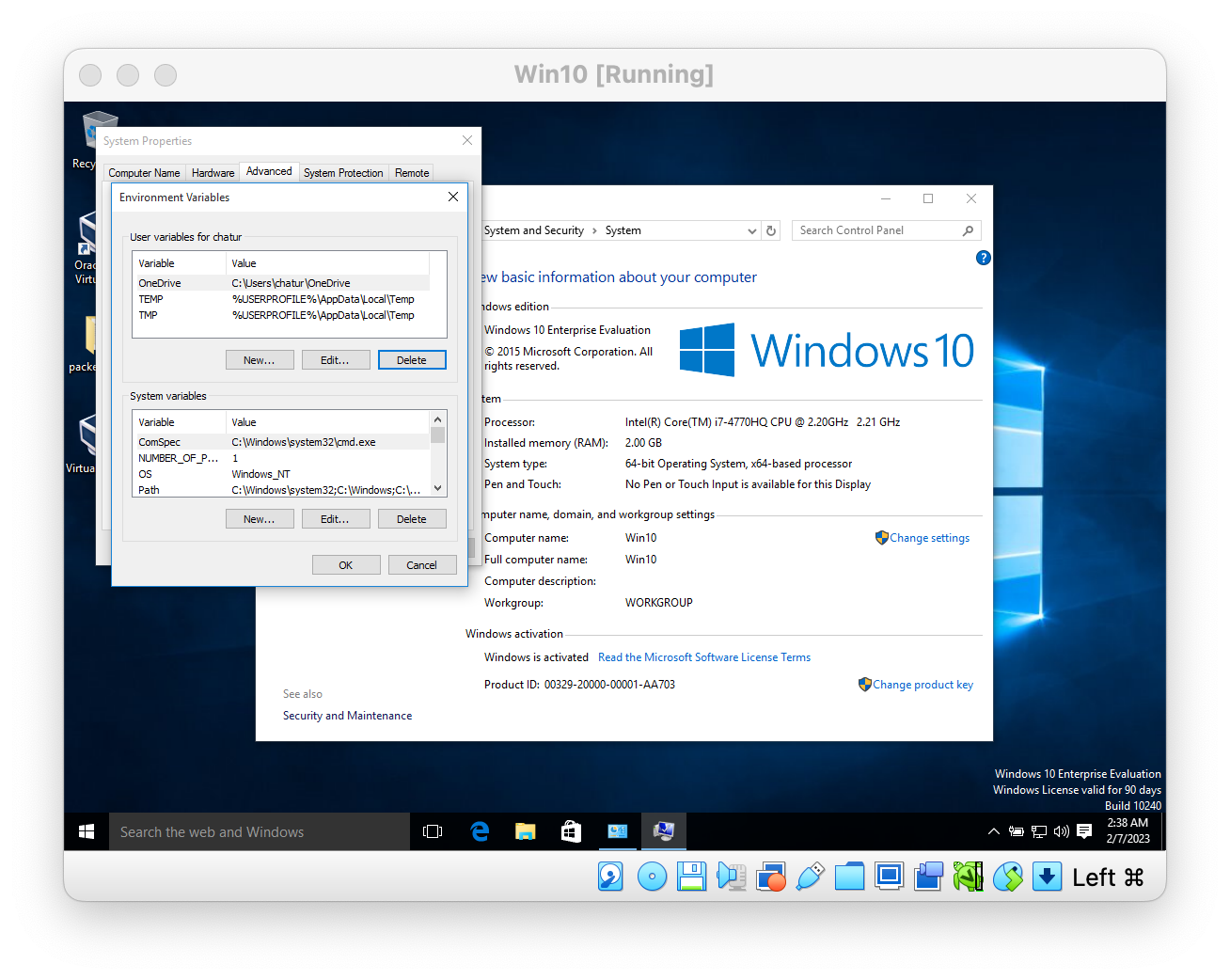
-
select
Pathfrom System variables then click Edit...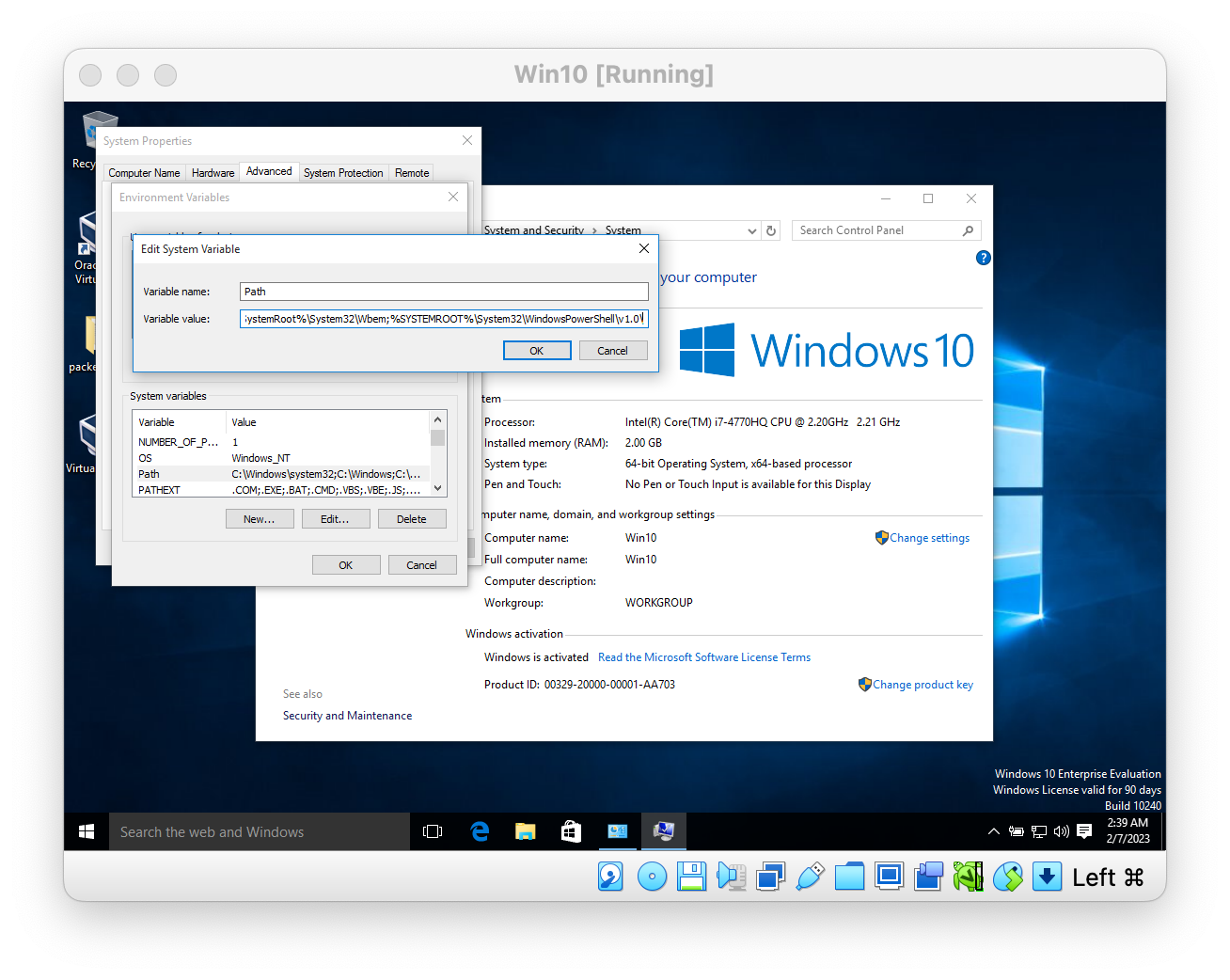
-
on Variable Value, add following at the end
;C:\packer;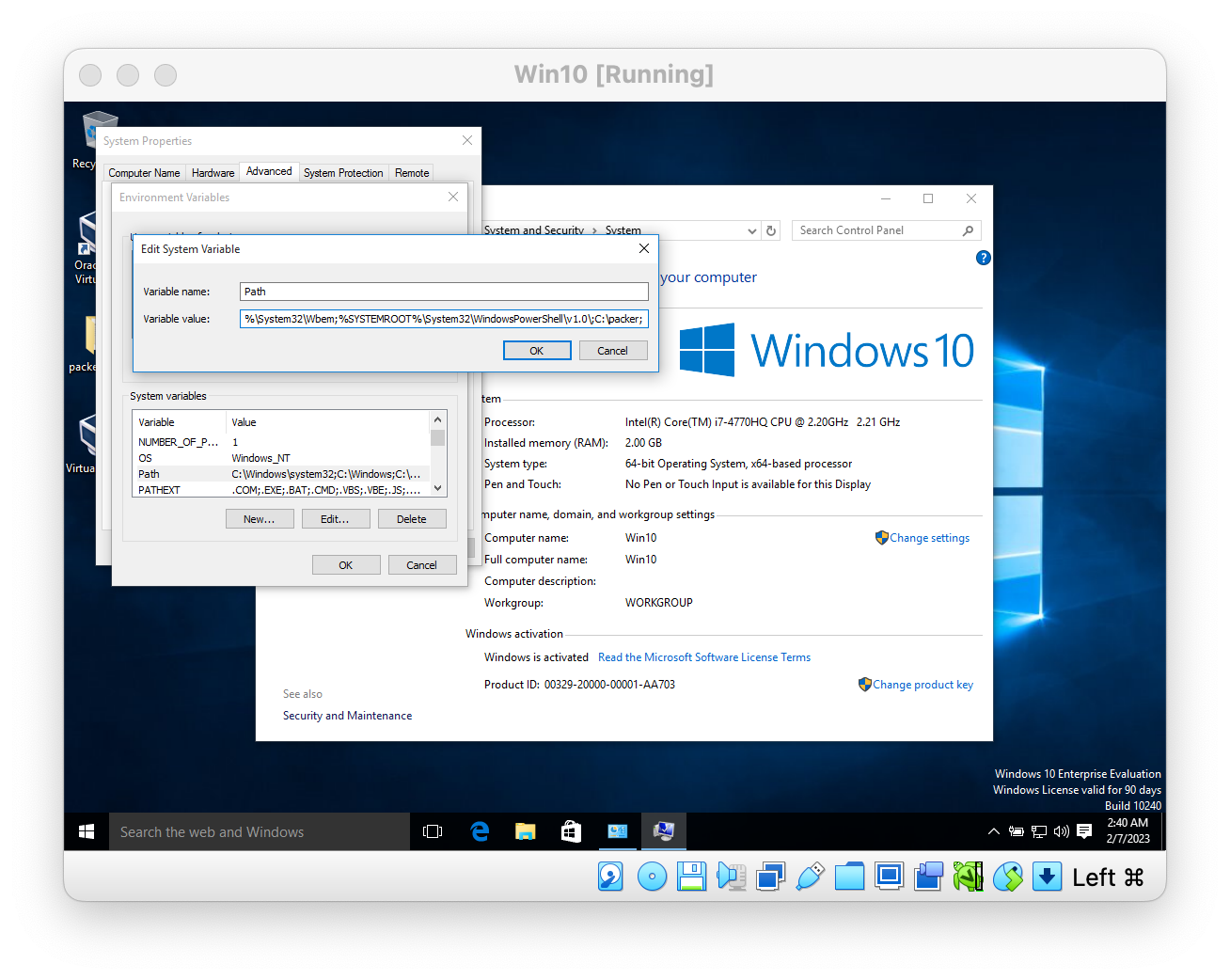
-
click ok to apply
-
again click ok to apply
-
again click ok to exit
Verify packer install
- open Command prompt
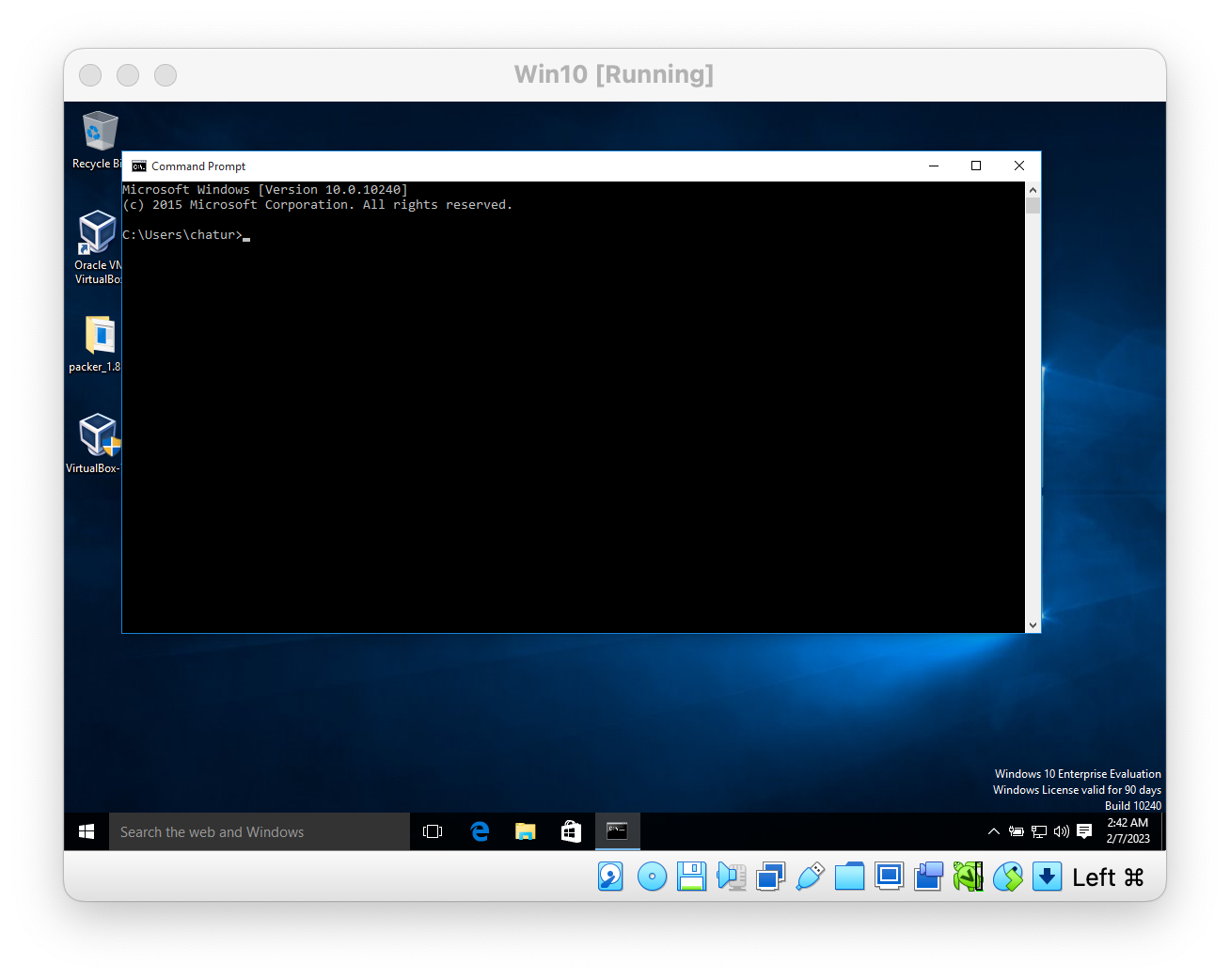
- type
packerand you should see output similar below